
SHAREit
SHAREit is a free Windows app from the SHAREit Team for moving photos, videos and documents between a PC and a phone. The current version is 5.1.0.7.
22.7 MB

20.34.12533.0 · Intel Corporation · Page updated
Intel Unison was Intel's free app for connecting a phone to a Windows 11 PC; the service was discontinued on 30 June 2025.
Average 0.0 · ratings: 0
Thank you! Your rating is saved; you can change it. Could not save the rating. Please try again later. Too many ratings from your network today. Please try again tomorrow. The average appears after 5 ratings.
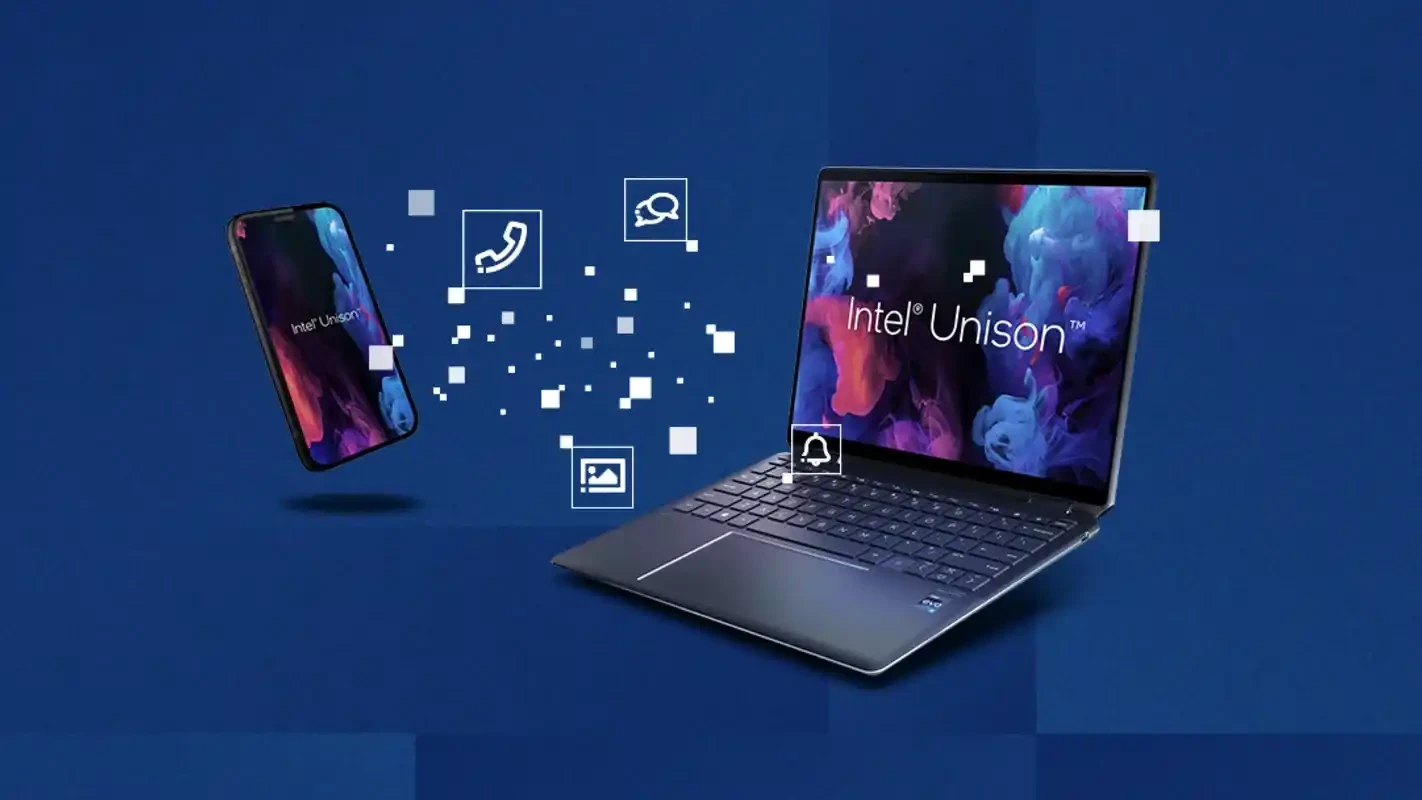
Intel Unison was a free Windows app from Intel Corporation that connected a phone to a Windows 11 PC for file transfer, messages, calls and notifications. The last version, 20.34.12533.0, is kept on this page as an archive download, but Intel discontinued the service on 30 June 2025, so it no longer receives updates or support.
Unison was designed to make a laptop and a smartphone work as one set of devices. After pairing the phone with a QR code, you could drag photos and documents between the two, read and answer text messages on the PC, place and receive phone calls through the computer's speakers and microphone, and see phone notifications in a panel on the desktop. Its main selling point compared with similar tools was that it supported both Android phones and iPhones, while many phone-link apps of that time worked properly only with Android. The app was first shipped on laptops with Intel Evo branding and later made available to a wider range of Windows 11 PCs. For people who kept their phone in a bag during work, it meant fewer interruptions: a message could be answered without picking up the handset.
Intel announced the end of Unison and stopped supporting it on 30 June 2025. It did not name a direct successor. After that date the app is not maintained, security fixes are not released, and features that depend on Intel's services or on the companion phone app may stop working at any time.
Intel listed these requirements on its support page.
The archived installer, about 39.41 MB according to catalogue data, remains available here for research, testing and for people who already rely on it on an older setup. Be realistic: pairing a new phone, the mobile companion app and cloud-based parts may fail, and nothing will be fixed. It is not a good choice as a new daily tool.
Software without security updates is a risk when it has access to your messages, contacts and calls. If you still have Unison installed, consider removing the pairing on both devices and uninstalling the app once you have moved to another solution.
Unison was free. There was no subscription or paid tier.
For sending files between a phone and a PC, other tools on our site include Quick Share, SHAREit and Zapya. For remote access to a computer there is TeamViewer, and iPhone owners can sync photos and files with iCloud for Windows.
SHAREit is a free Windows app from the SHAREit Team for moving photos, videos and documents between a PC and a phone. The current version is 5.1.0.7.

Zapya for Windows is a free file transfer app from DewMobile for moving files between a PC and phones over a local wireless connection.

Easy Connection to Screen is Samsung's Windows app for showing a PC's screen on a compatible Samsung TV over a wireless connection.

Internet Download Manager (IDM) is a shareware download manager for Windows from Tonec that accelerates, resumes and schedules downloads.

uTorrent (μTorrent) is a small BitTorrent client for Windows from Rainberry (BitTorrent Inc) for downloading and sharing files over torrents.

AnyDesk is a remote desktop application for connecting to and controlling another computer over the internet, from a small Windows program.

ShareMe is Xiaomi's free app for sending files between devices without a cable; on Windows the Android app runs only inside an emulator.

Xender is a free file sharing app from the Xender File Sharing Team for sending files between phones and computers over a local connection.